
Open source
In your Google Cloud project
Supported by nAG
Open Front End
Cloud native
- Containerised services
- Simple, repeatable updates
- Security & compliance
- Monitoring with Grafana
- Production grade
Gemini advisor
- Describe the workload
- Ranked blueprints
- Validated by gcluster
- Cost estimate
User experience
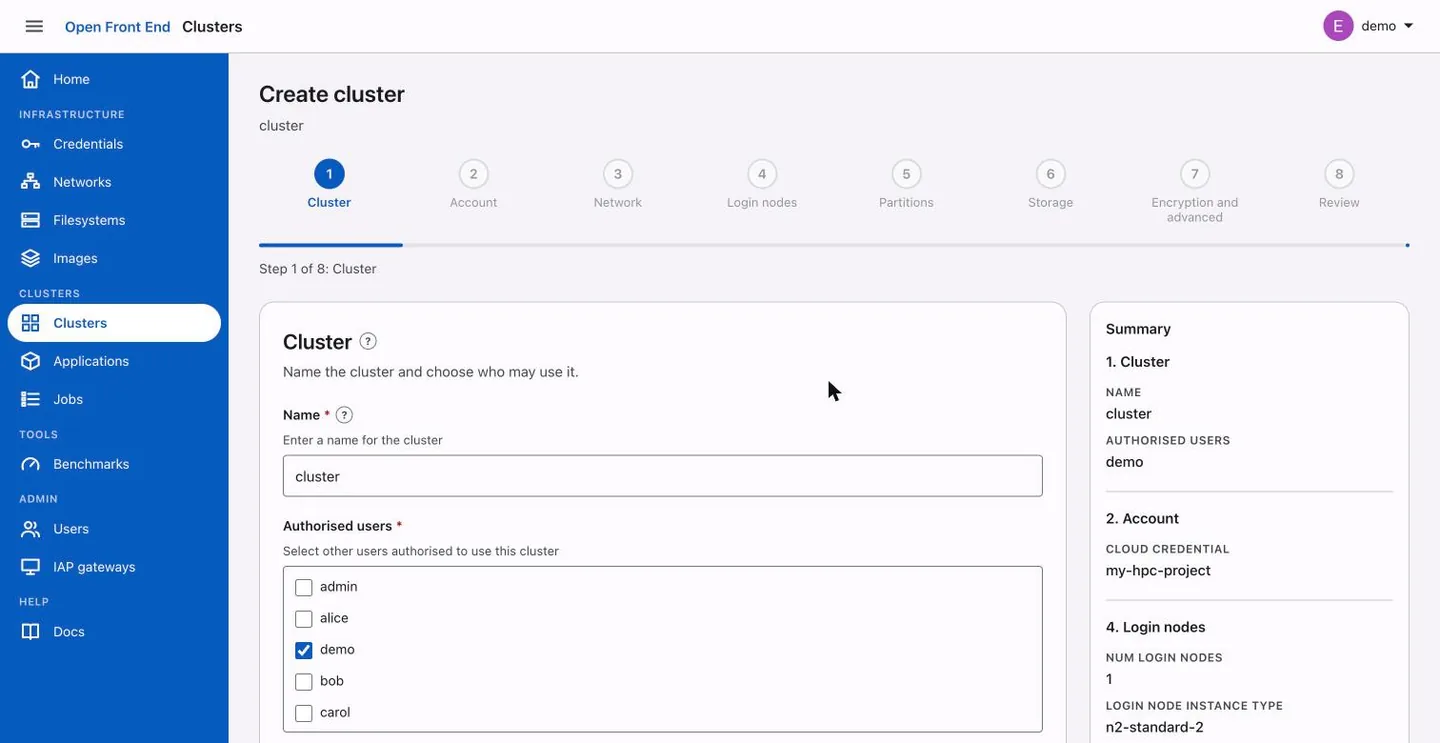
- Guided cluster wizard
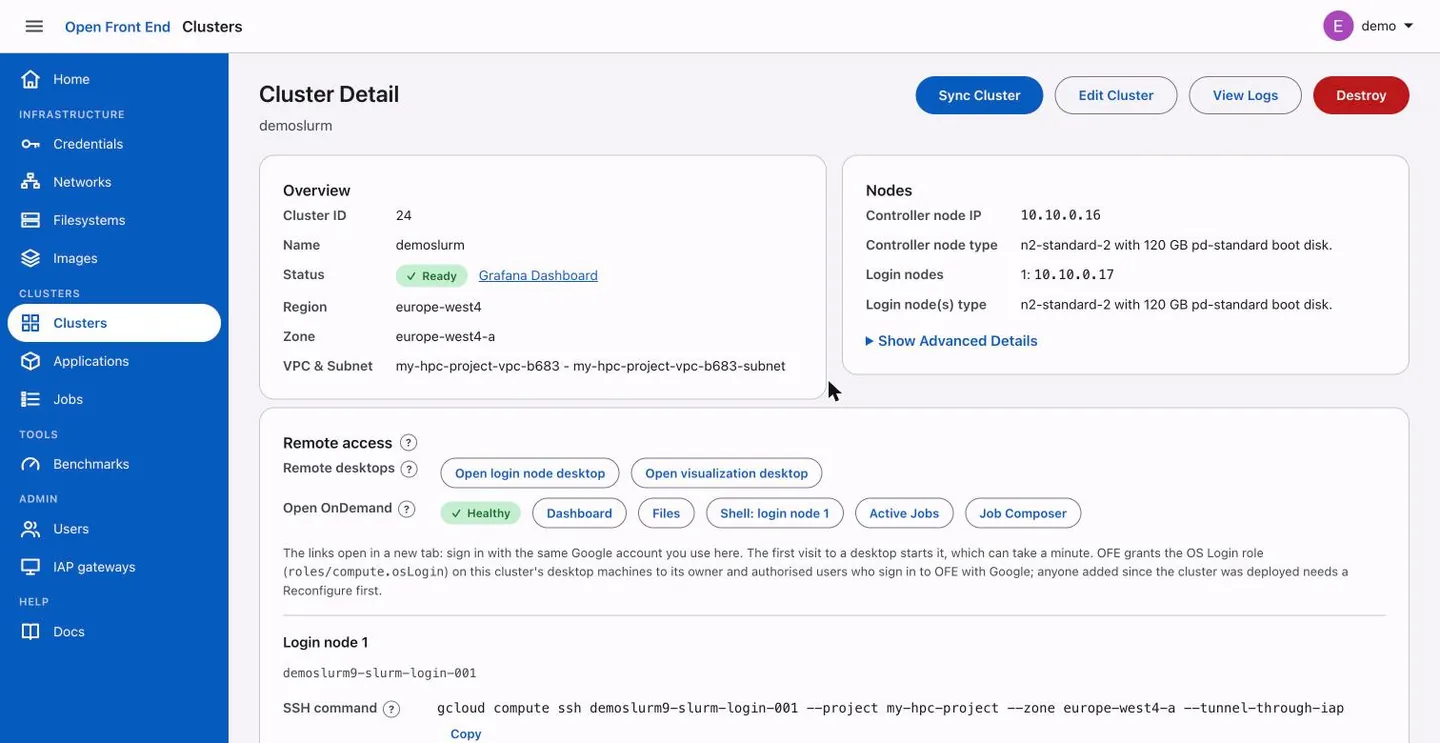
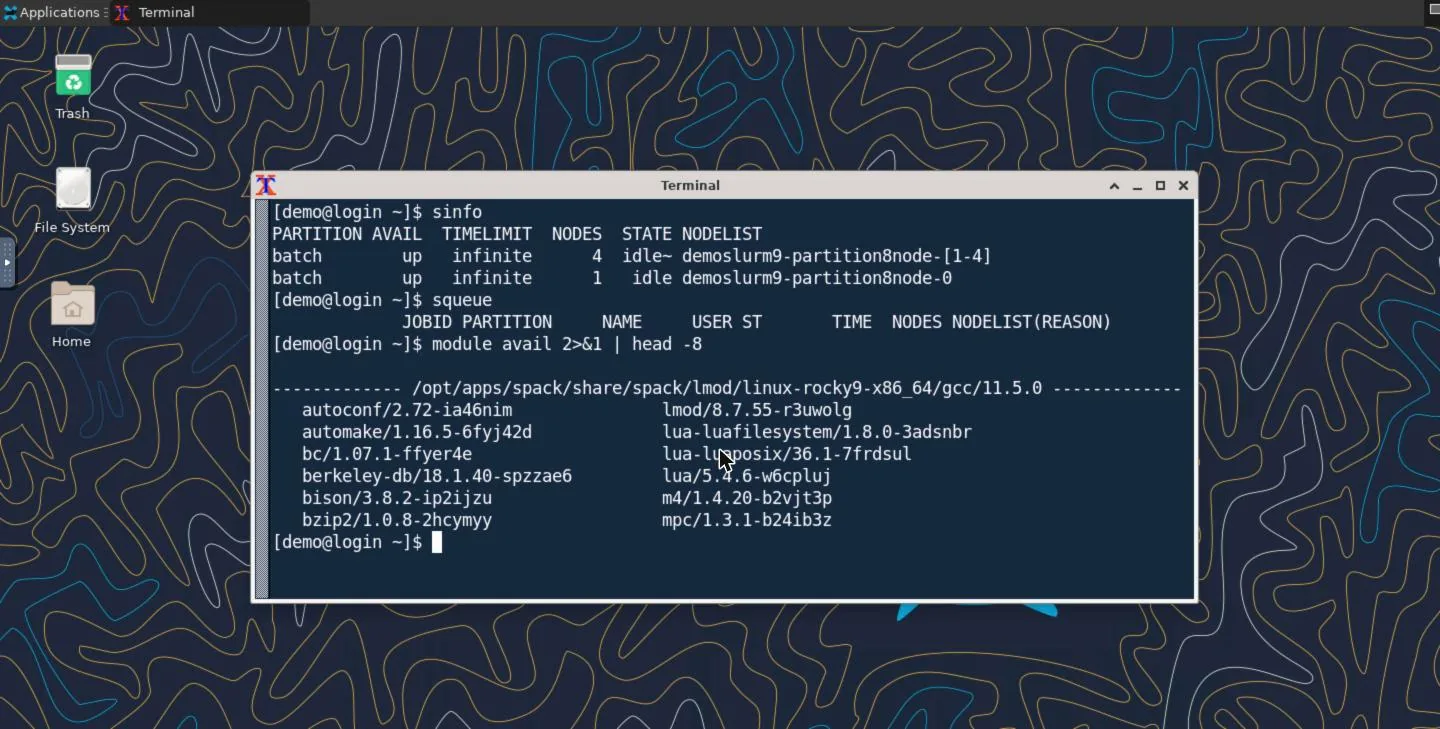
- Desktop in the browser
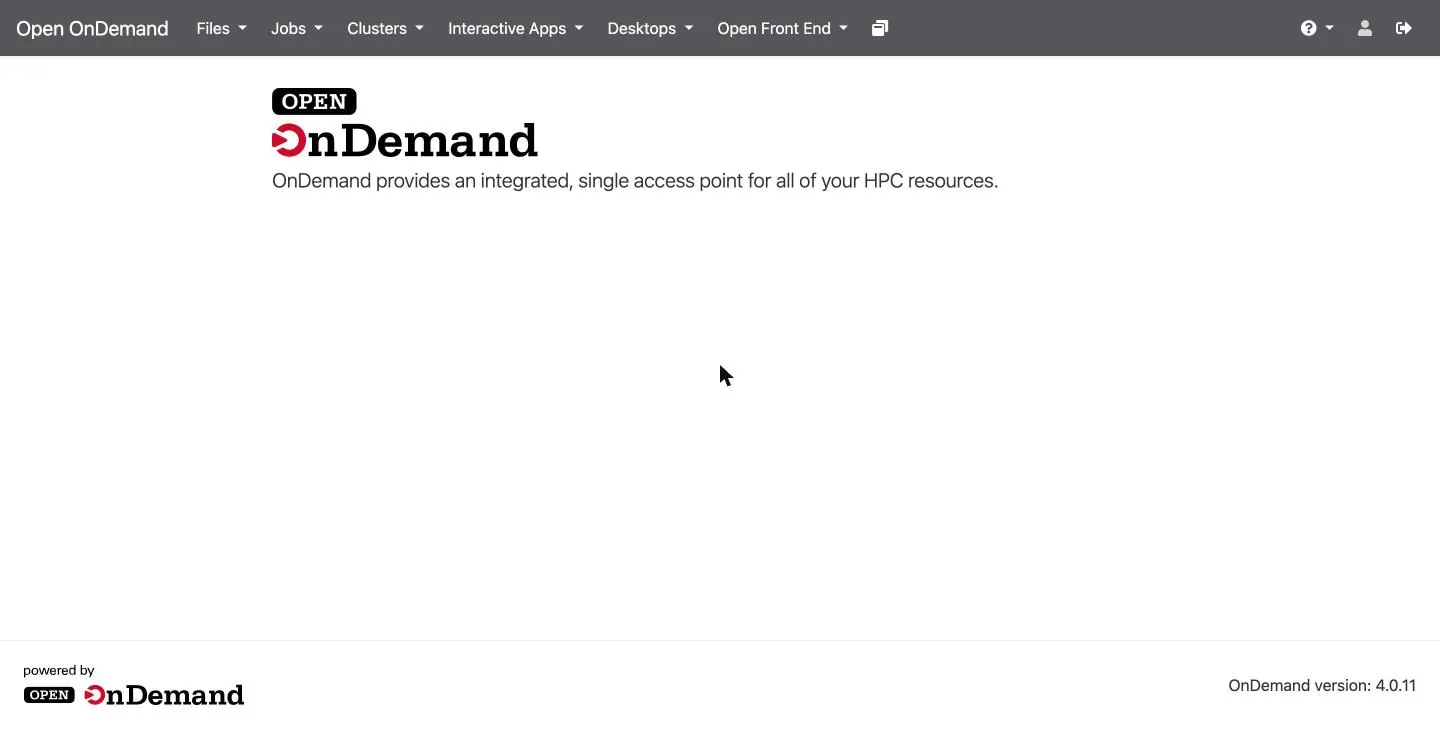
- Open OnDemand
- Google sign-in
Compliant foundations
- Your project, your policies
- IAM & OS Login identity
- IAP access, no public IPs
- Customer-managed keys
- Private networking
Open Front EndOpen source · Apache 2.0
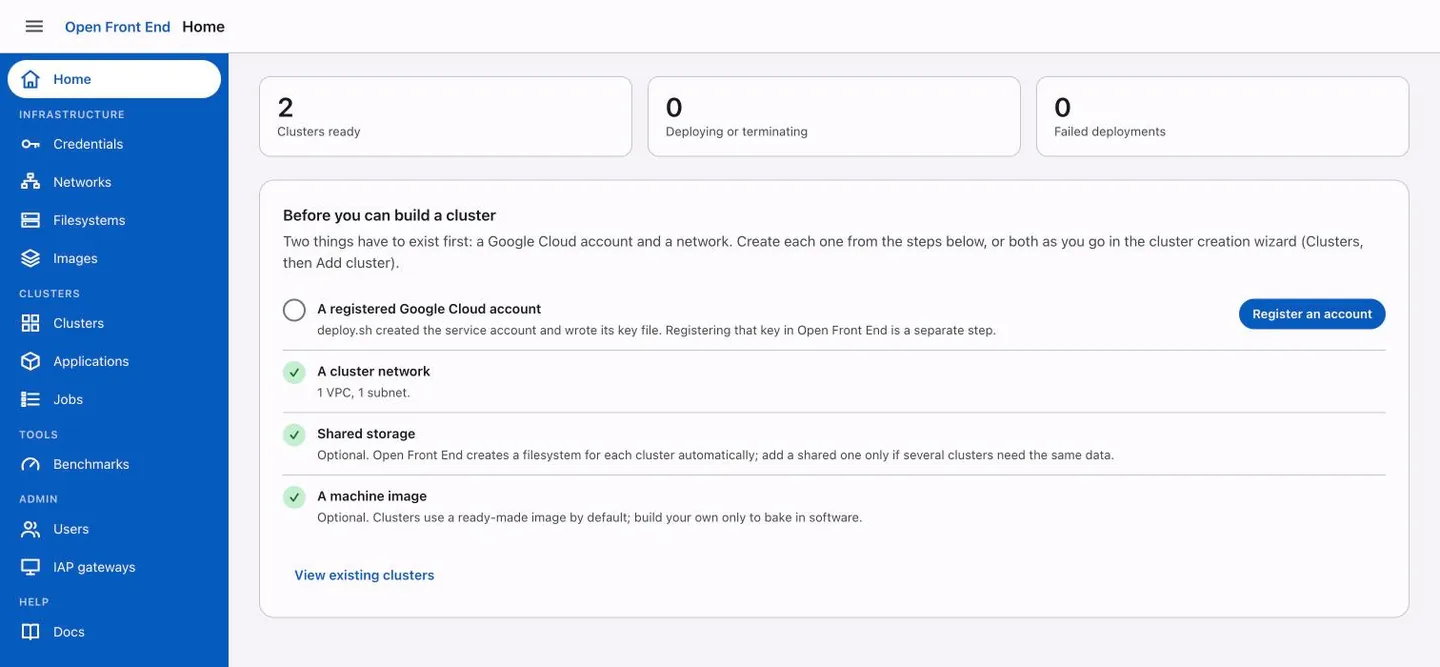
One web portal for HPC on Google Cloud
Clusters
Networks & storage
Applications
Jobs
Users & quotas
Benchmarks
Cluster ToolkitOpen source · Google
Curated blueprints, turned into infrastructure
Blueprintsproven recipes
Modulesnetwork · storage · compute
gclustervalidates & expands
Terraformapplied for you
Packermachine images
Spackpackaged applications
Slurm clusterWhat you get
Controller
Login nodes
Partitions
Storage
NVIDIA GPUs
Google CloudYour project
Compute Engine
Filestore
Cloud Storage
VPC & IAP
Vertex AI
Cluster Toolkit at the core. Open Front End for everyone around it.
Google Cloud for Engineering and Beyond
From compliant foundations
to Open Front End
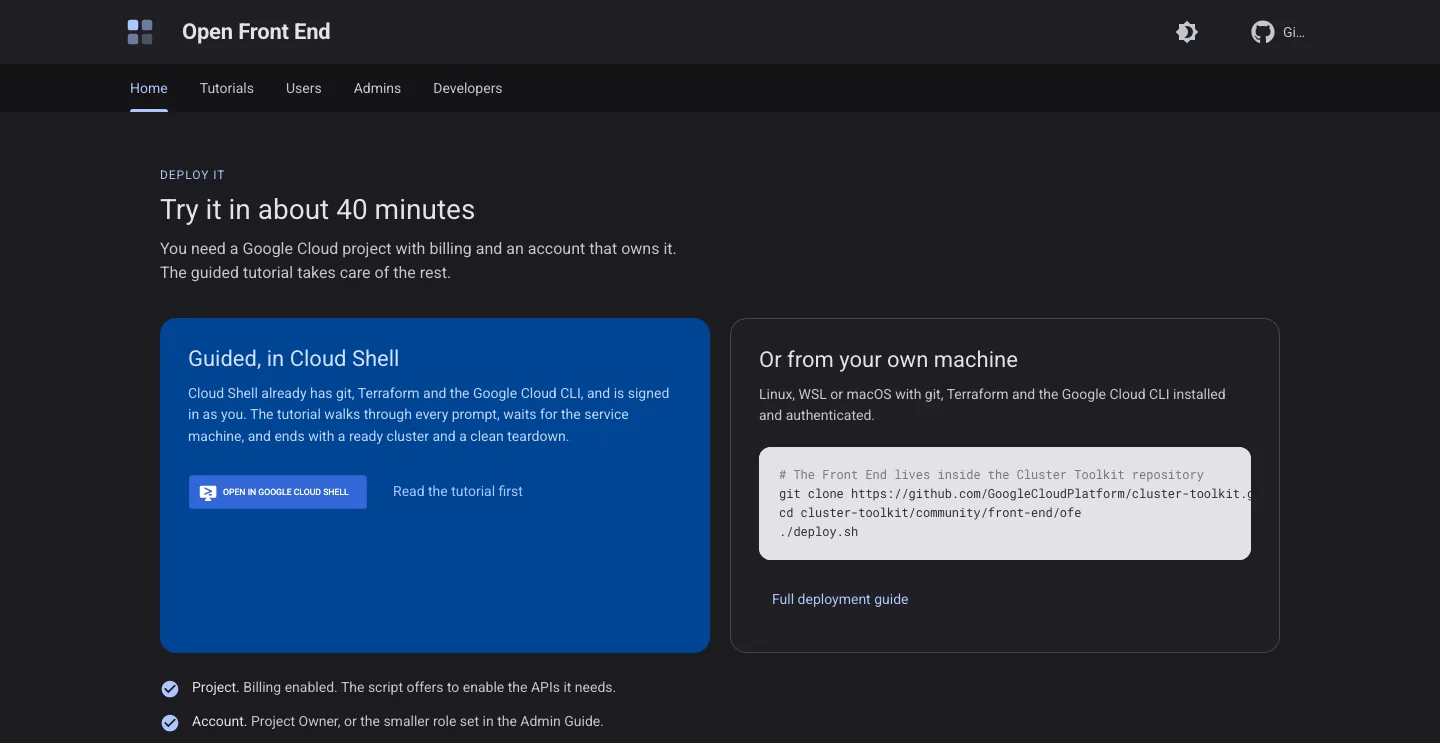
Open Front End makes HPC on Google Cloud easier to use: a web portal over the Cluster Toolkit that lets every user get the HPC they want, when they want it.
Press → or tap to begin
Thank you
Make your HPC and AI journey
a success
We want to help. Come and talk to nAG.
Scan for the docsGuides, the Cloud Shell tutorial and the source.openfrontend.org